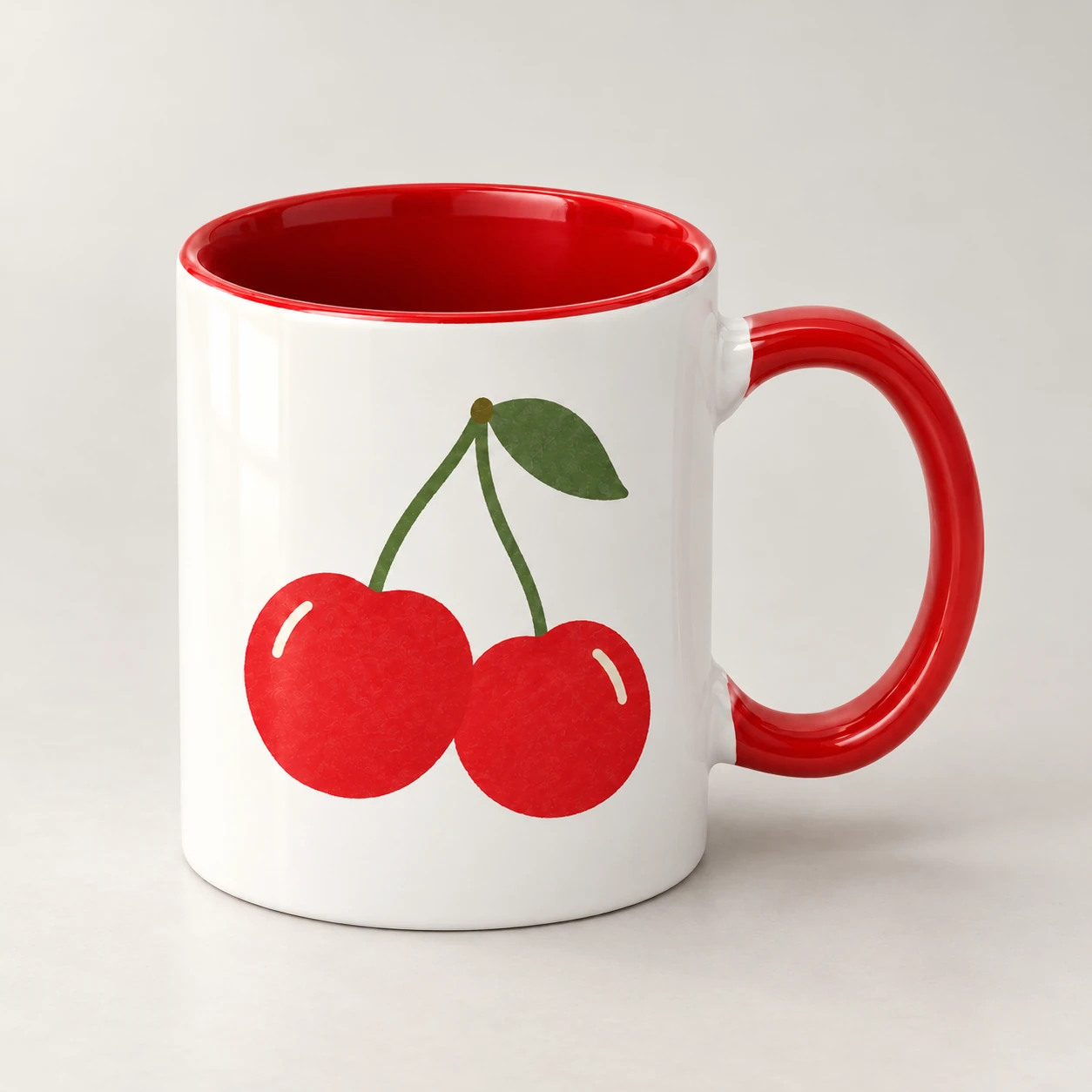
Ceramic mug
11 oz / 15 oz · Colorful handles & interiors
Product details →You can read about the website here. Drawing, regional prices, product selection and ordering become available when the interactive page finishes loading. Please keep JavaScript enabled.
Pick a stamp and add some color. Draw on your own, or bring a friend.
A mug, a tote, a T-shirt. Pick one. Draw on your own, or invite a friend.
A doodle, a stamp, a photo turned into a stamp. Move things around until you like the look.
Watch your drawing appear on the product as you go. Not quite done? Save it and come back later.
11 oz / 15 oz · Colorful handles & interiors
Product details →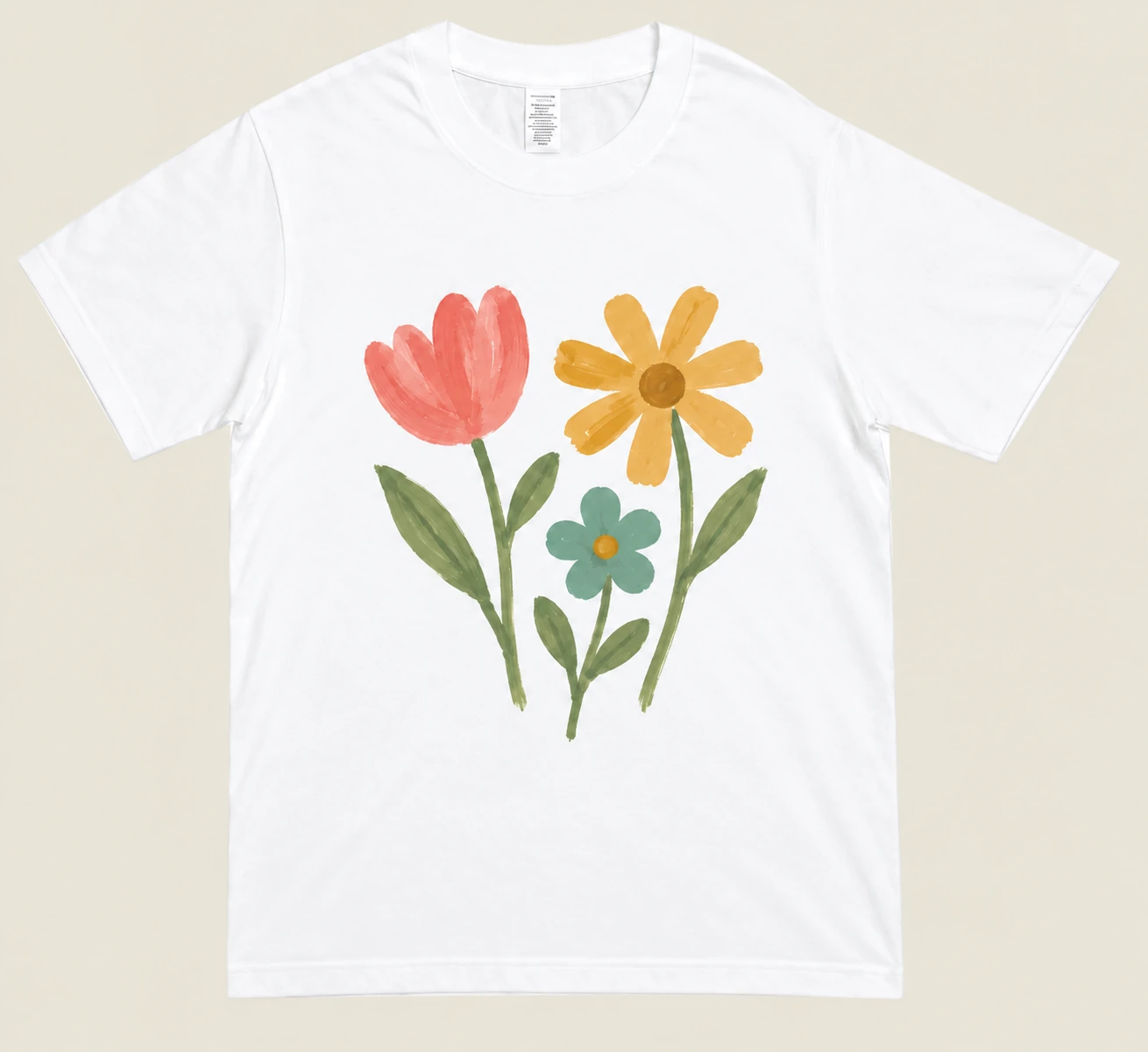
Cotton · Front print
Product details →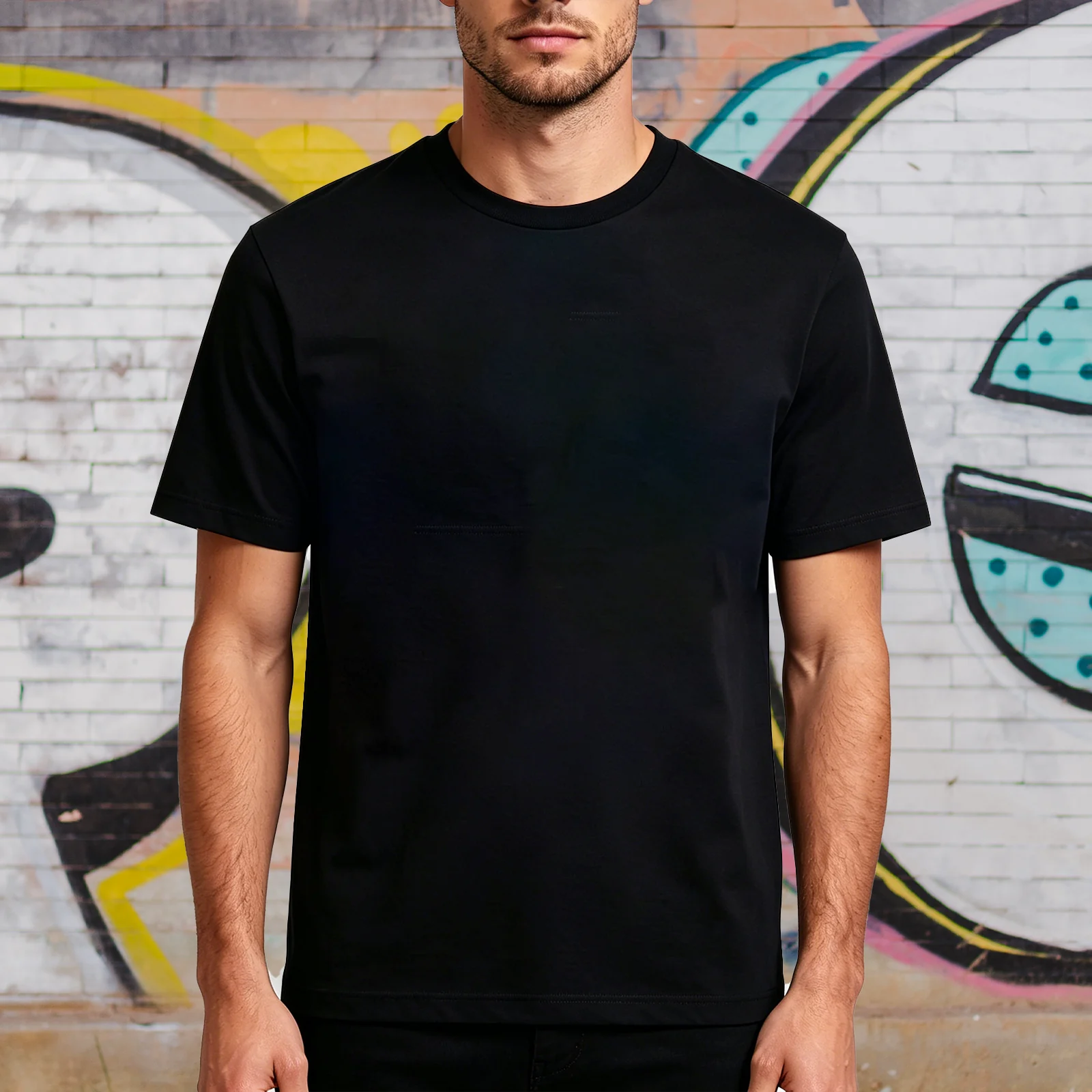
180g classic / 230g washed cotton
Product details →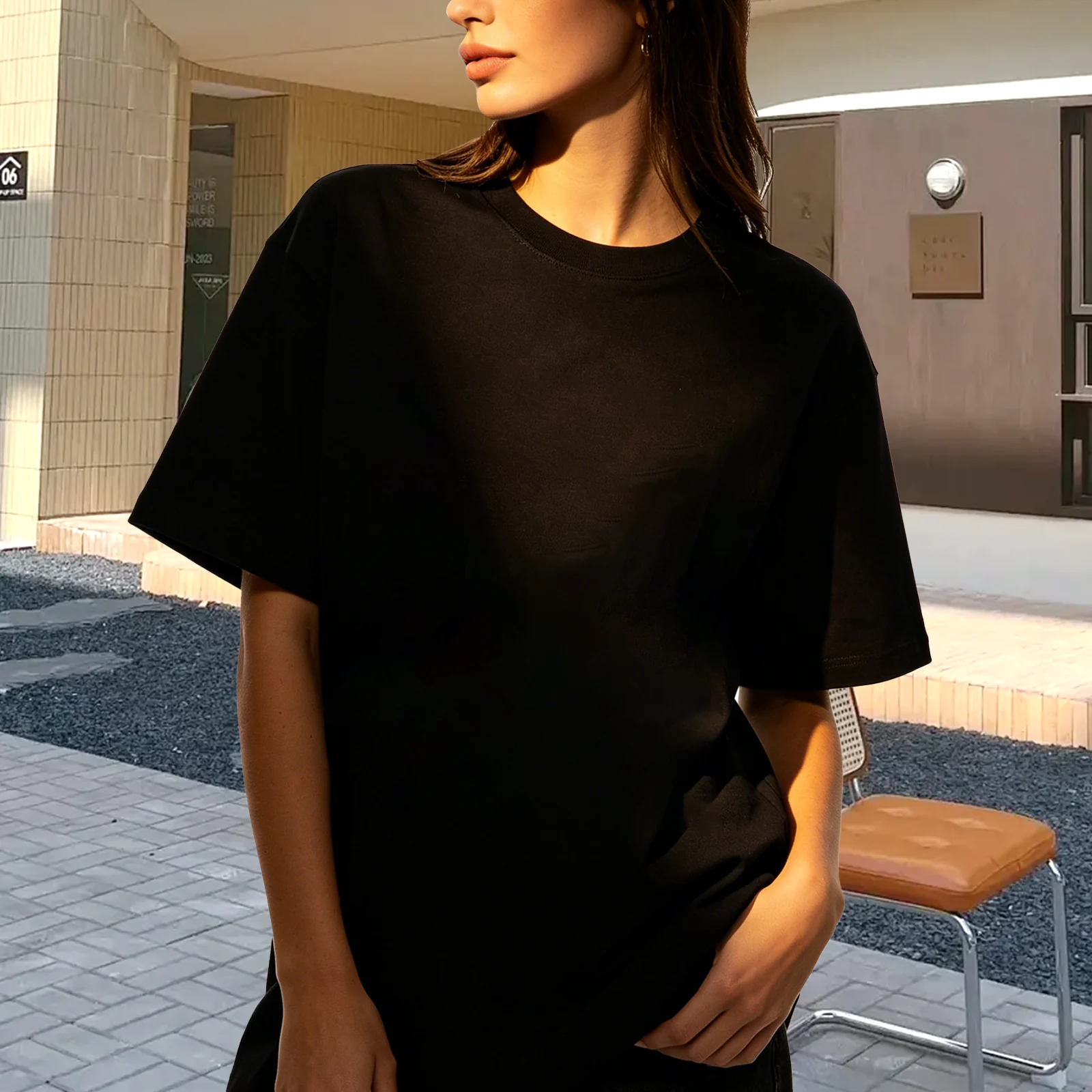
180g · S–2XL
Product details →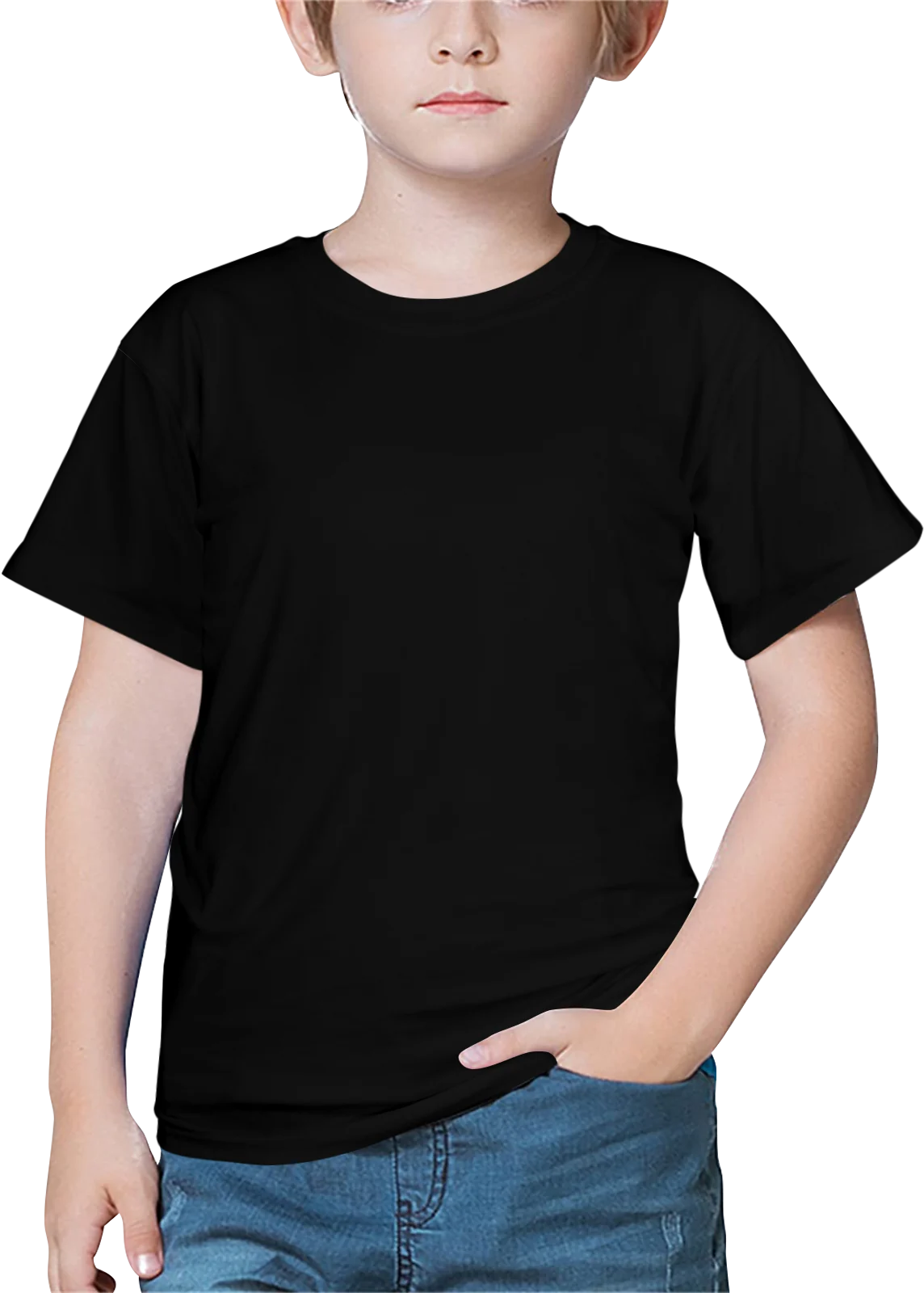
Kids’ / Girls’ · XS–XL
Product details →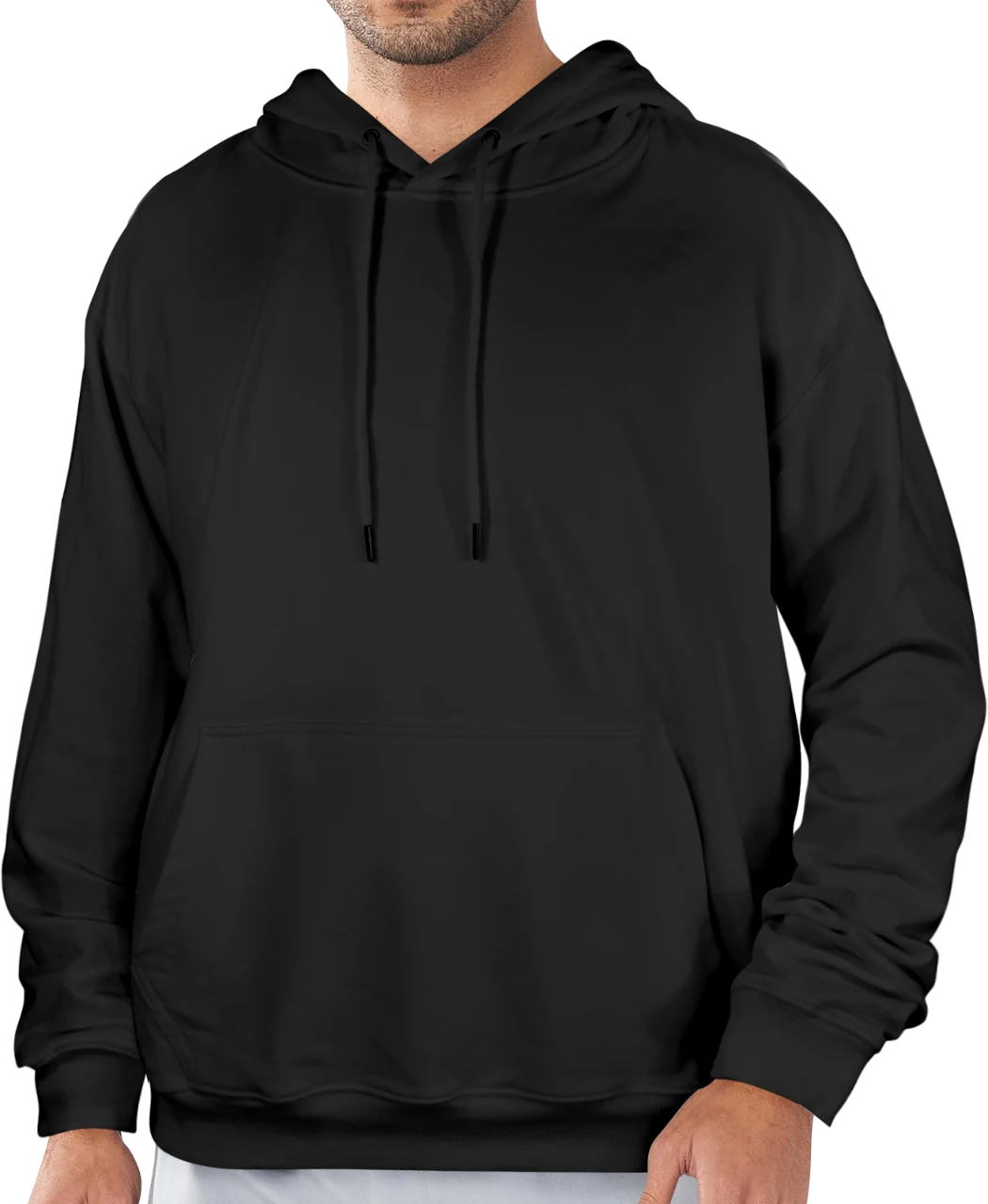
Fleece-lined · Black / white · S–2XL
Product details →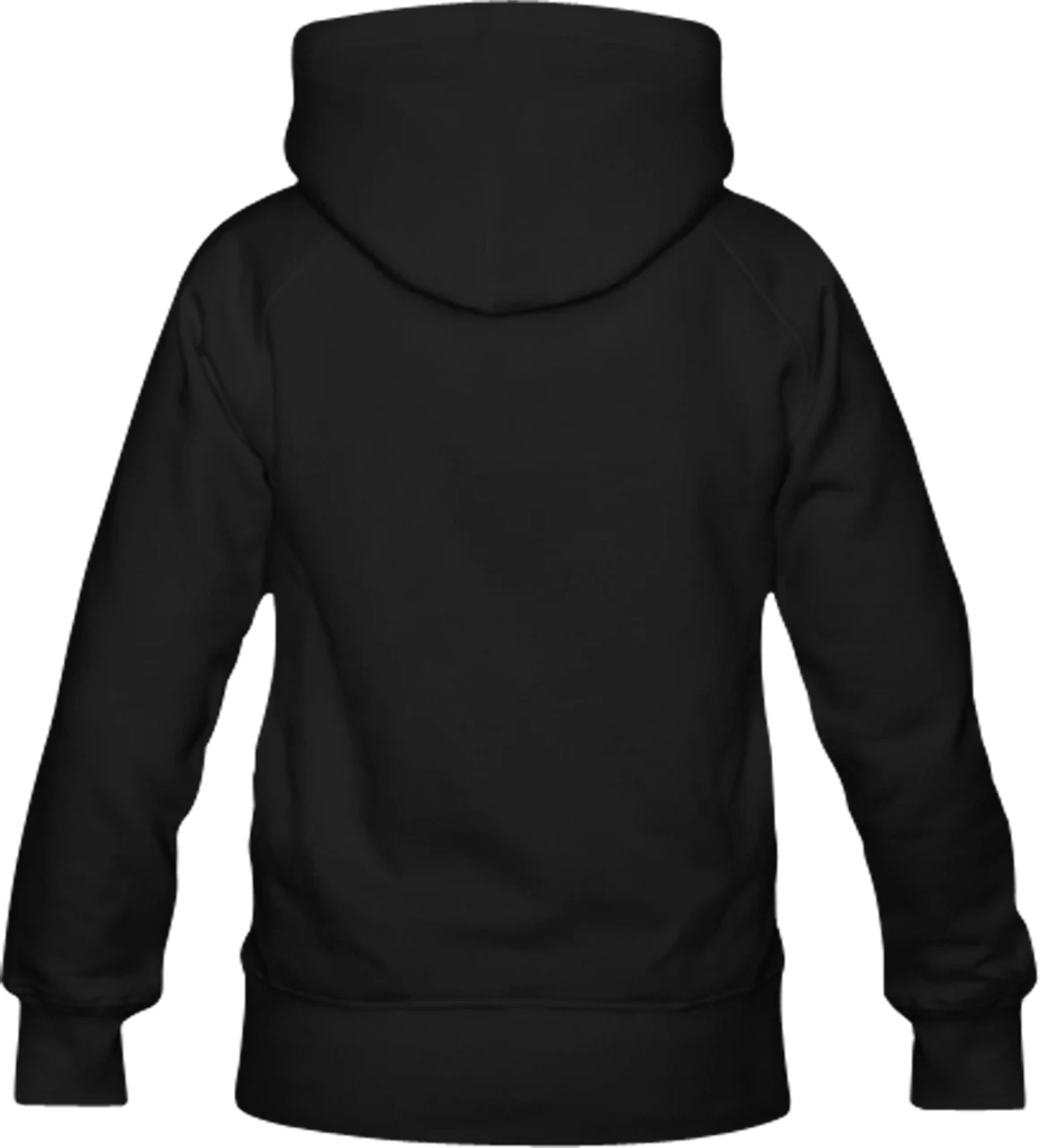
Fleece-lined · Black / white · S–2XL
Product details →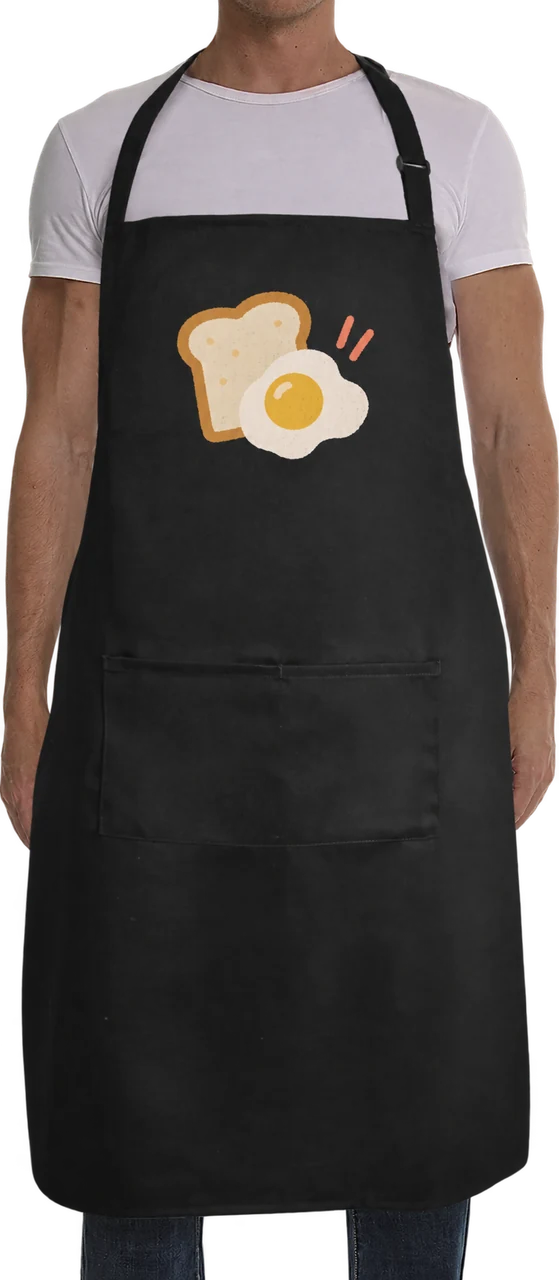
Black · One size · Front print
Product details →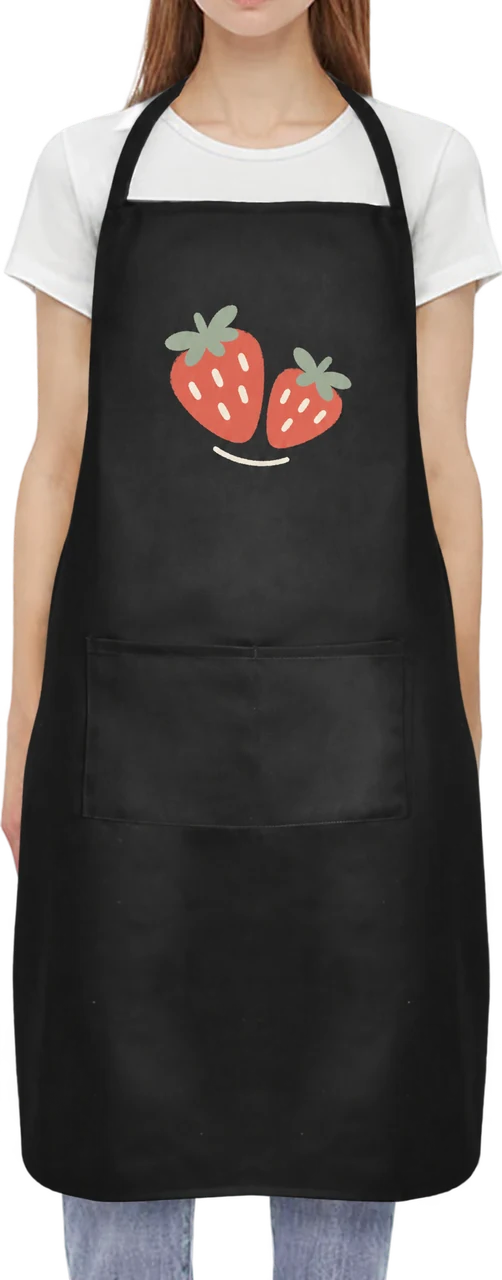
Black · One size · Front print
Product details →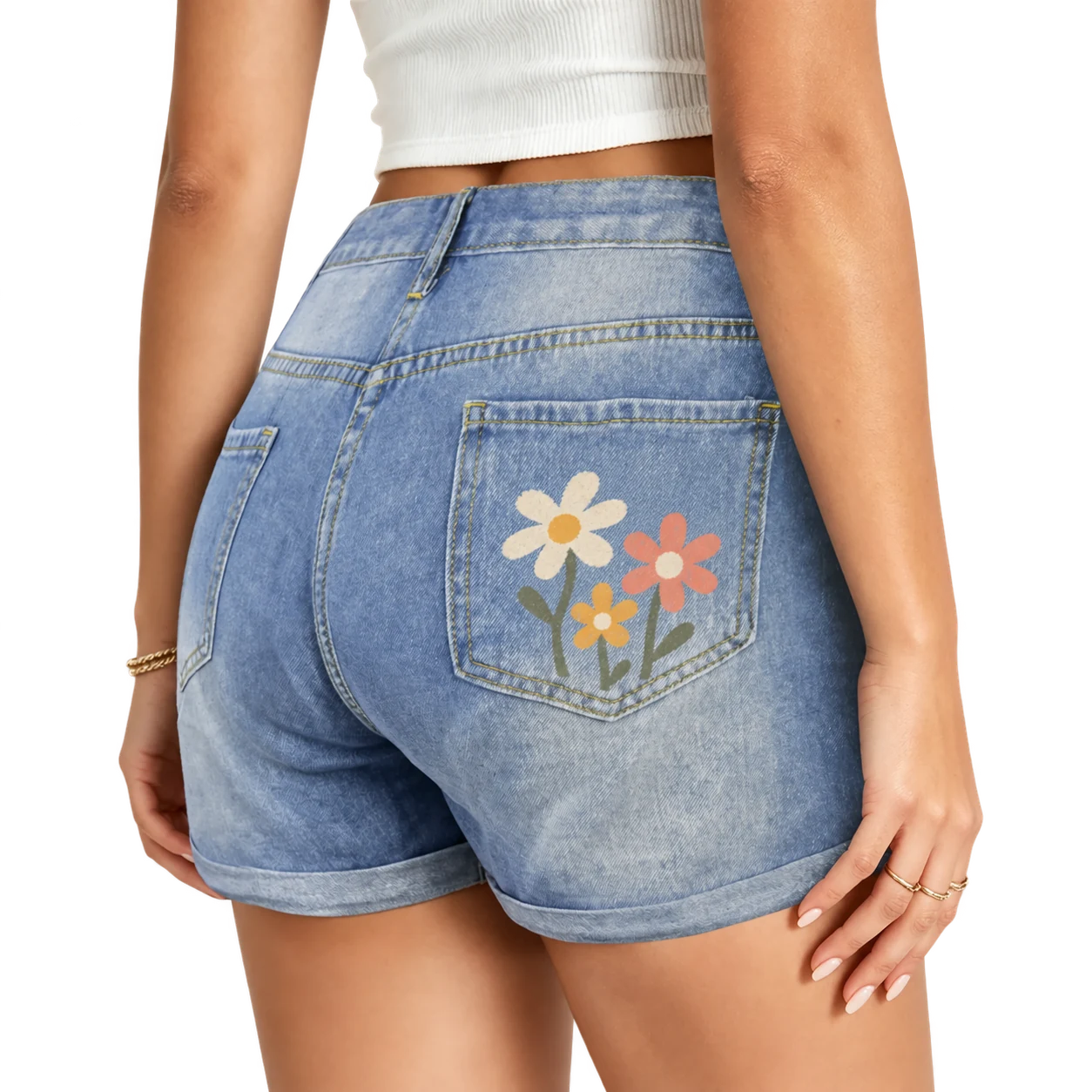
Light blue · M–2XL · Right pocket print
Product details →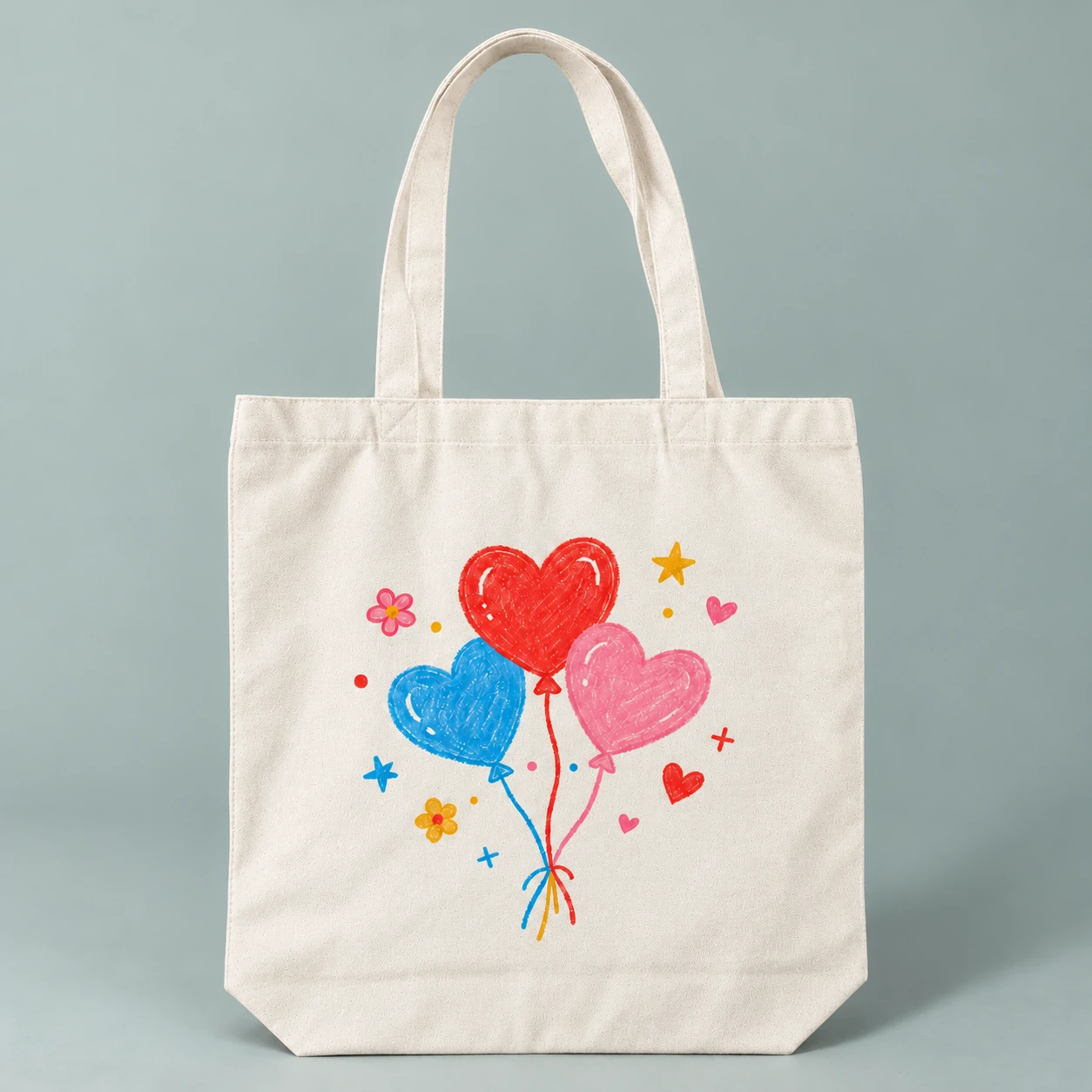
38 × 38 cm · One-sided print
Product details →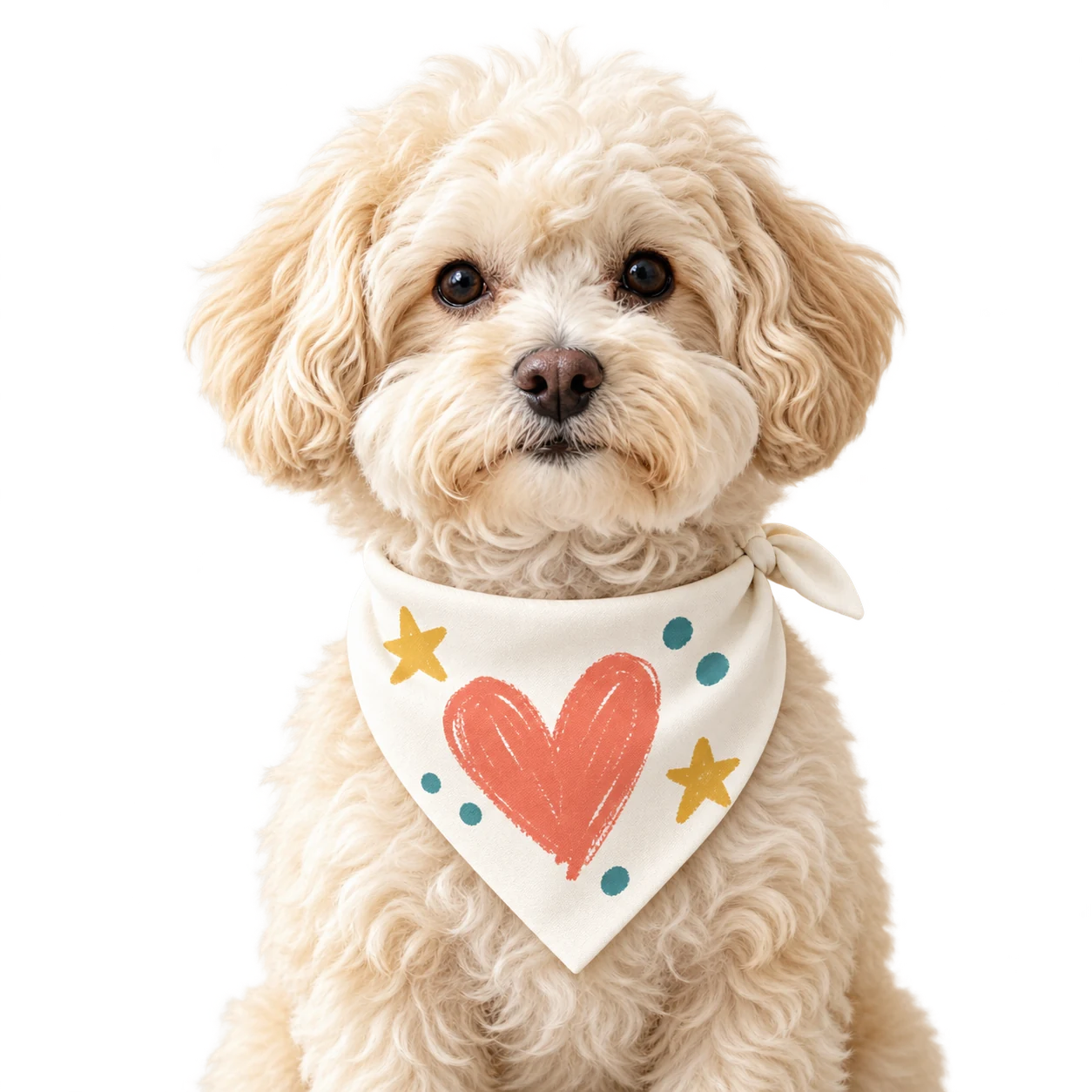
Small / medium / large · All-over print
Product details →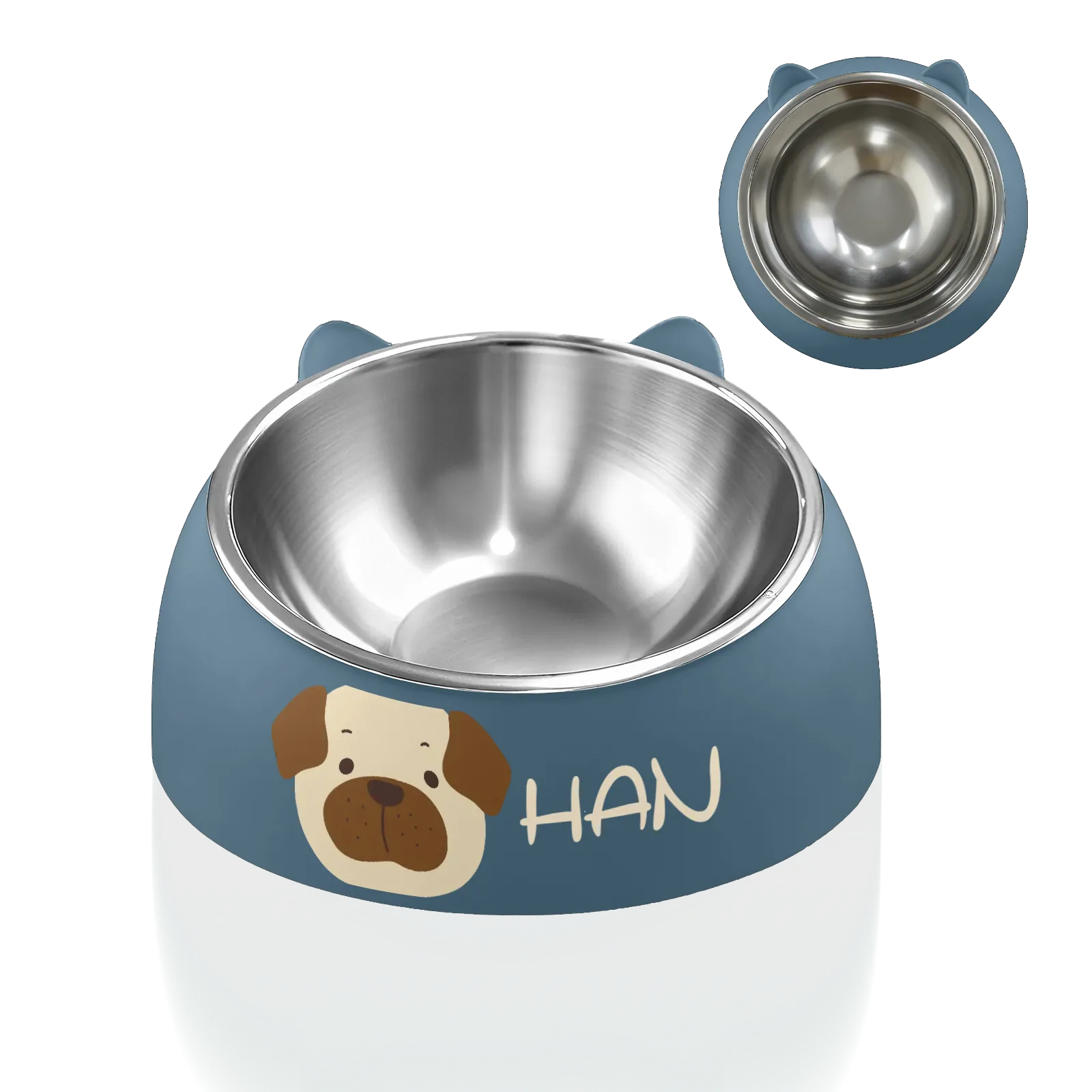
350 ml · PP + stainless steel
Product details →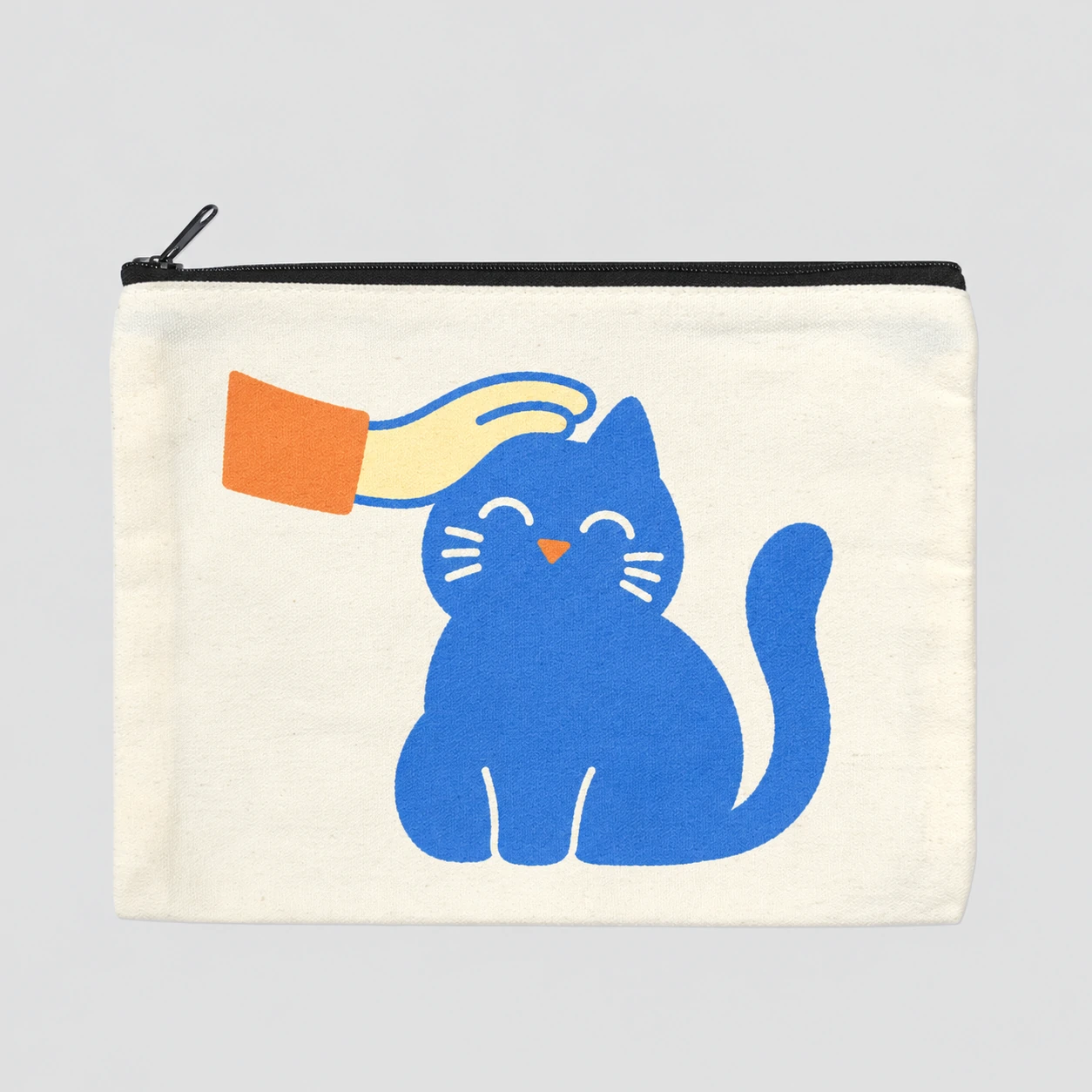
Single pouch · Zip closure
Product details →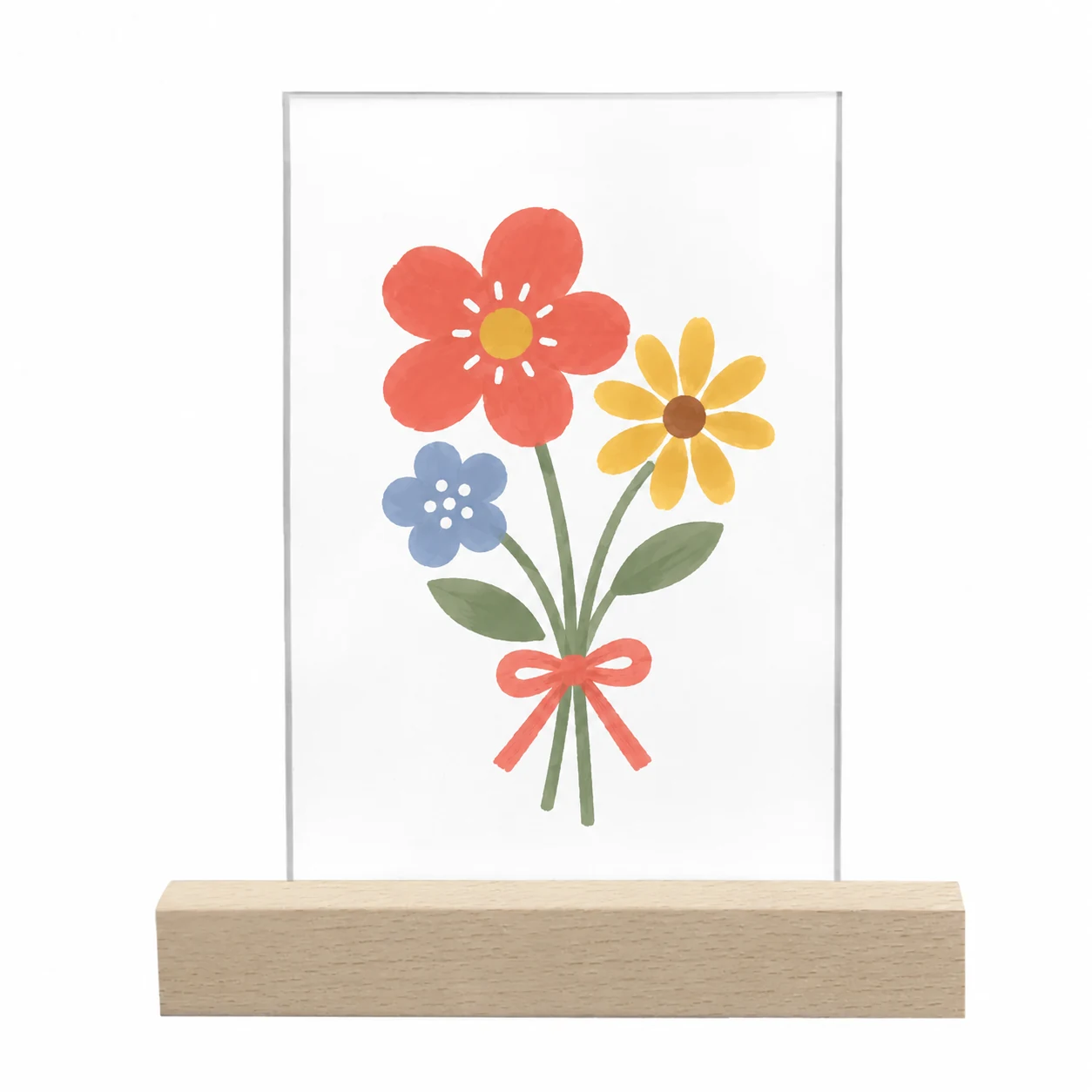
Landscape / portrait · Clear acrylic · Wood base
Product details →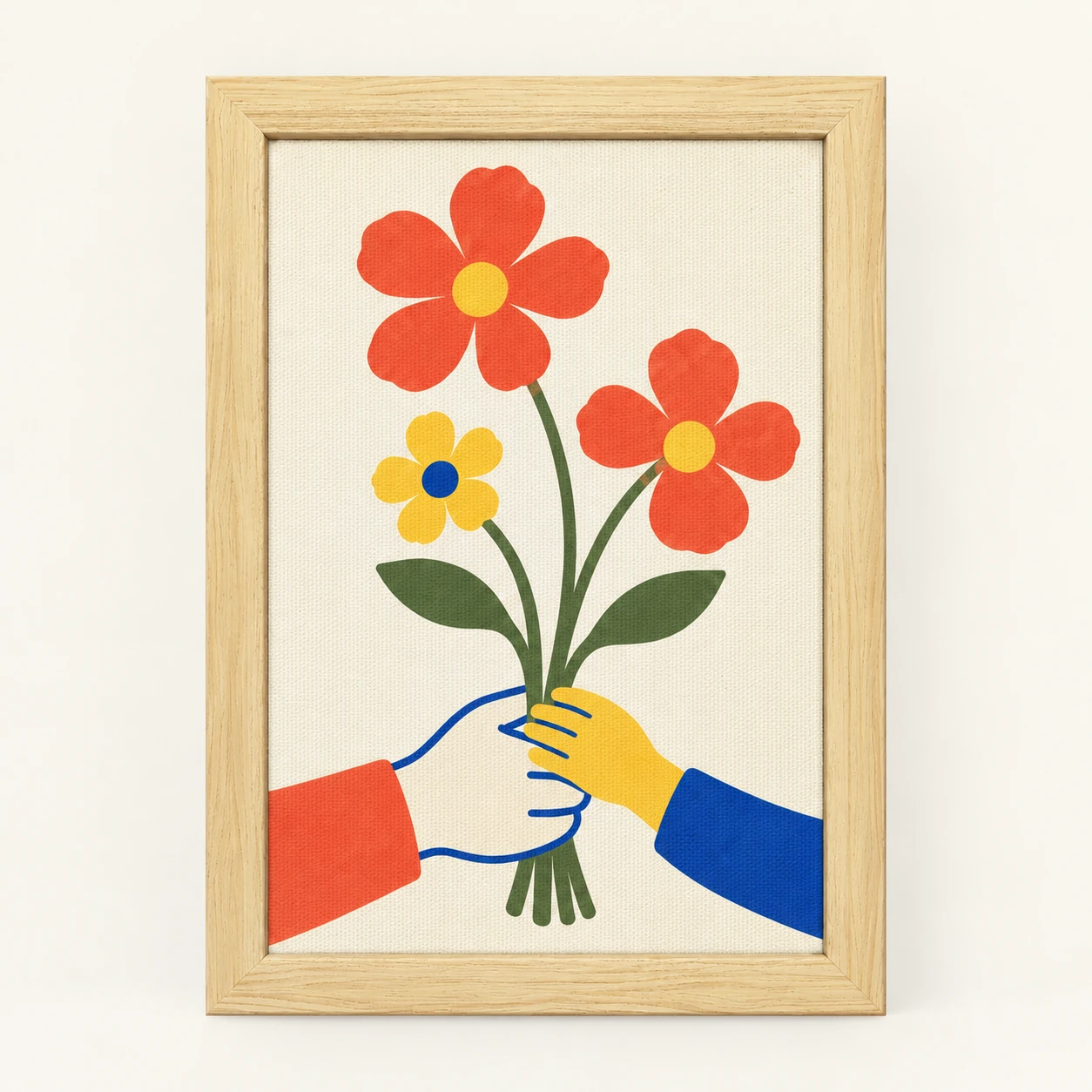
Natural wood frame / unframed · Several formats
Product details →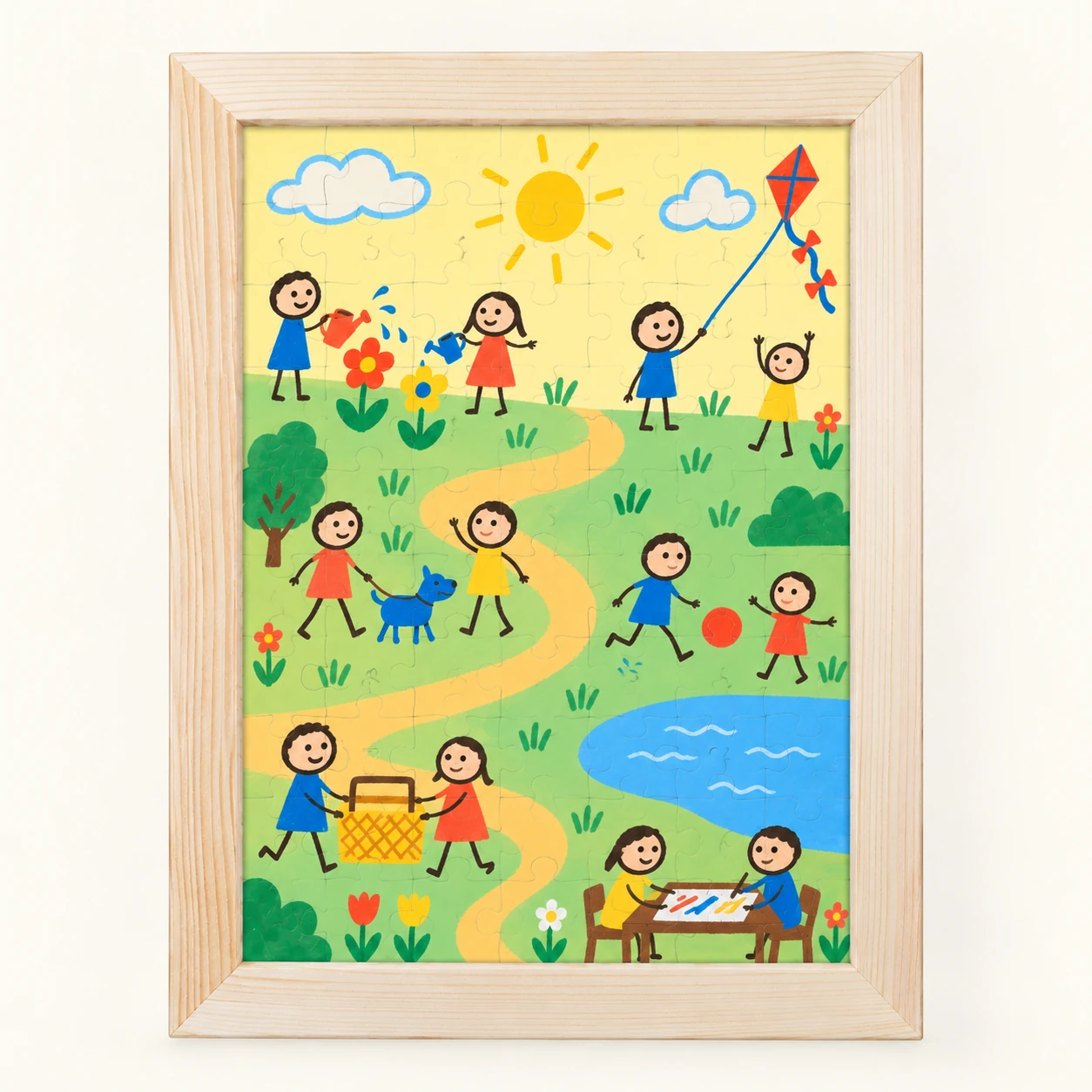
80 pieces · Wood frame included
Product details →Yes. Start with a stamp, add color and a few lines, or turn a photo into a stamp. The Color tool paints beneath the outlines, and stroke smoothing is on by default.
Reveal together needs both people online. In Draw freely, you can draw at the same time or come back whenever you have time, while the studio is still available.
Yes. Draw with one finger; zoom and pan with two.
Drawing alone or with friends is free and won’t place an order. You only pay if you choose to order, confirm the product and price, and complete payment.
WE DREW IT is a place to draw on your own or with friends, using brushes, colors and stamps. You can turn your drawing into everyday items, or just enjoy drawing. Buying is optional.
No. Open the website on a phone, tablet or computer and start drawing. No app or sign-up is needed, and friends can join through your invite link.
Create a studio and share the invite link. Everyone joins from their own device. In Draw freely, you can draw together or return later while the studio is still available. Reveal together needs both people online.
Finish your drawing, preview it on your chosen product, then use the order option on the completion page. Choose the available options and quantity, and enter your shipping details. If you’re directed to Etsy, include your artwork code as instructed. The purchase page shows the products, delivery destinations and final total. Ordering is optional.
Of course. Choose Draw solo and doodle, add stamps or try colors at your own pace. No need to wait for anyone.
New studios offer three modes. Draw freely supports 1–4 people. Reveal together is for 2 people who draw separately, then reveal their work together. Make it together gives each person an area to draw in, for 2–40 people depending on the product; mugs support 2–8. Your chosen product’s setup page shows its available modes and capacity.
No. Use a mouse on a computer or your finger on a phone or tablet. You can also use a stylus supported by your device and browser.
Yes. Your drawing saves automatically while connected. Wait for the saved status before leaving. Without signing in, use the recent canvases in the same browser while the studio is still available. Clearing browser data or changing devices may remove that local way back. For access across devices, sign in and confirm it is saved to your account. Editing depends on the studio’s status and the rules of the drawing mode.